
How Reco Works
Reco has a unique approach to helping businesses create incentives that encourage their happy clients to make referrals, and share the services they love with their friends.
For Service Providers
Setting up and managing Reco is quick and intuitive for providers, as described below.
Setup
Get your referral program set up quickly, with incentives for referrals to individuals, locations, or your whole business. Get a shareable link to your incentives to share with your clients within minutes. Distribute by print, email, link or scannable QR code.
Setup Your Business on Reco
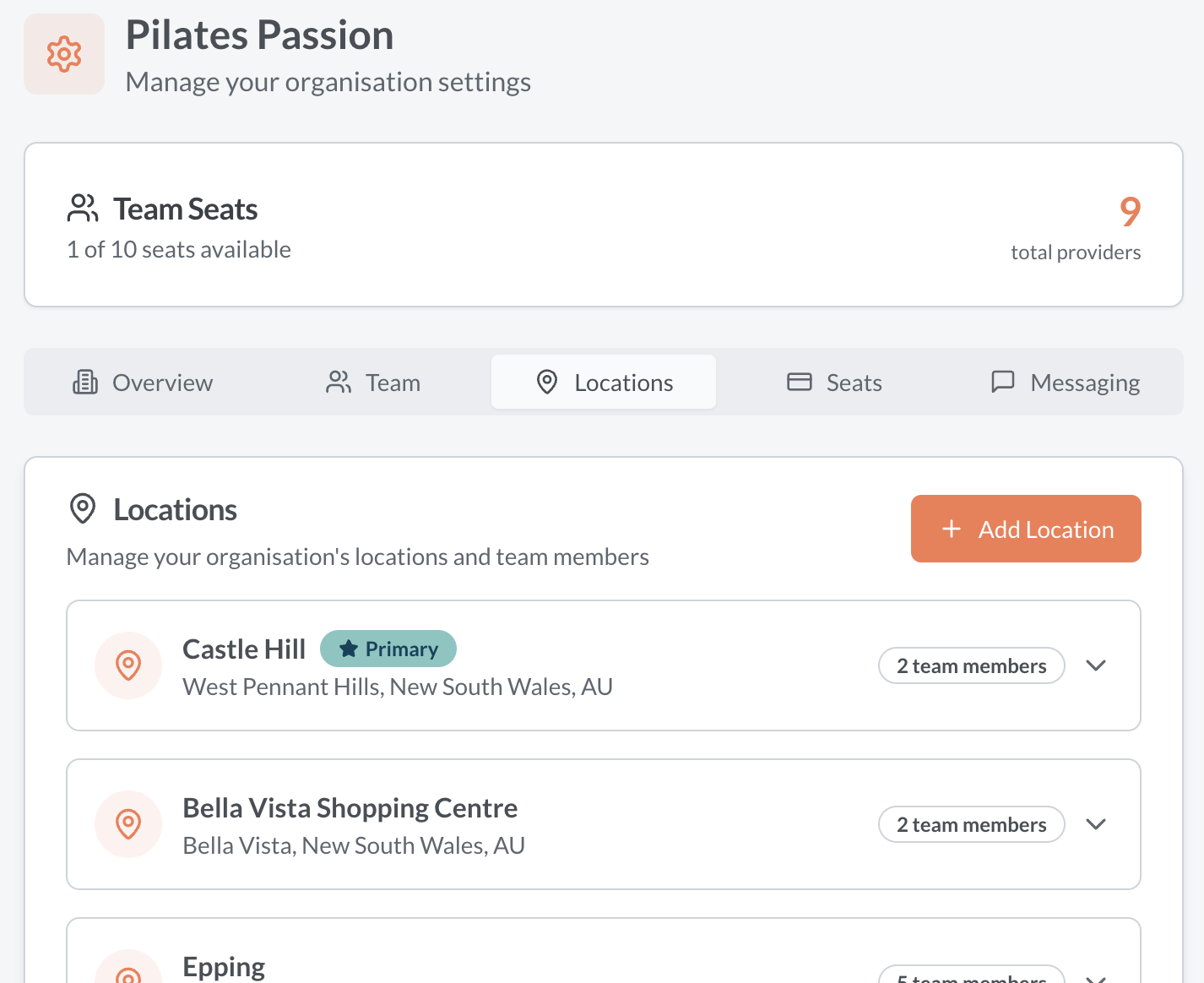
Sign up and create your business profile on Reco. AI helps write your business description from a few basic notes. Choose what kind of business you are: a solo provider, a single-location team, or a multi-location business. Add your organisation contact details, logo, operating locations and review sources. Invite your team and set permissions. You can also skip billing and explore everything before entering payment details.
Create Your Incentives to Refer Your Business
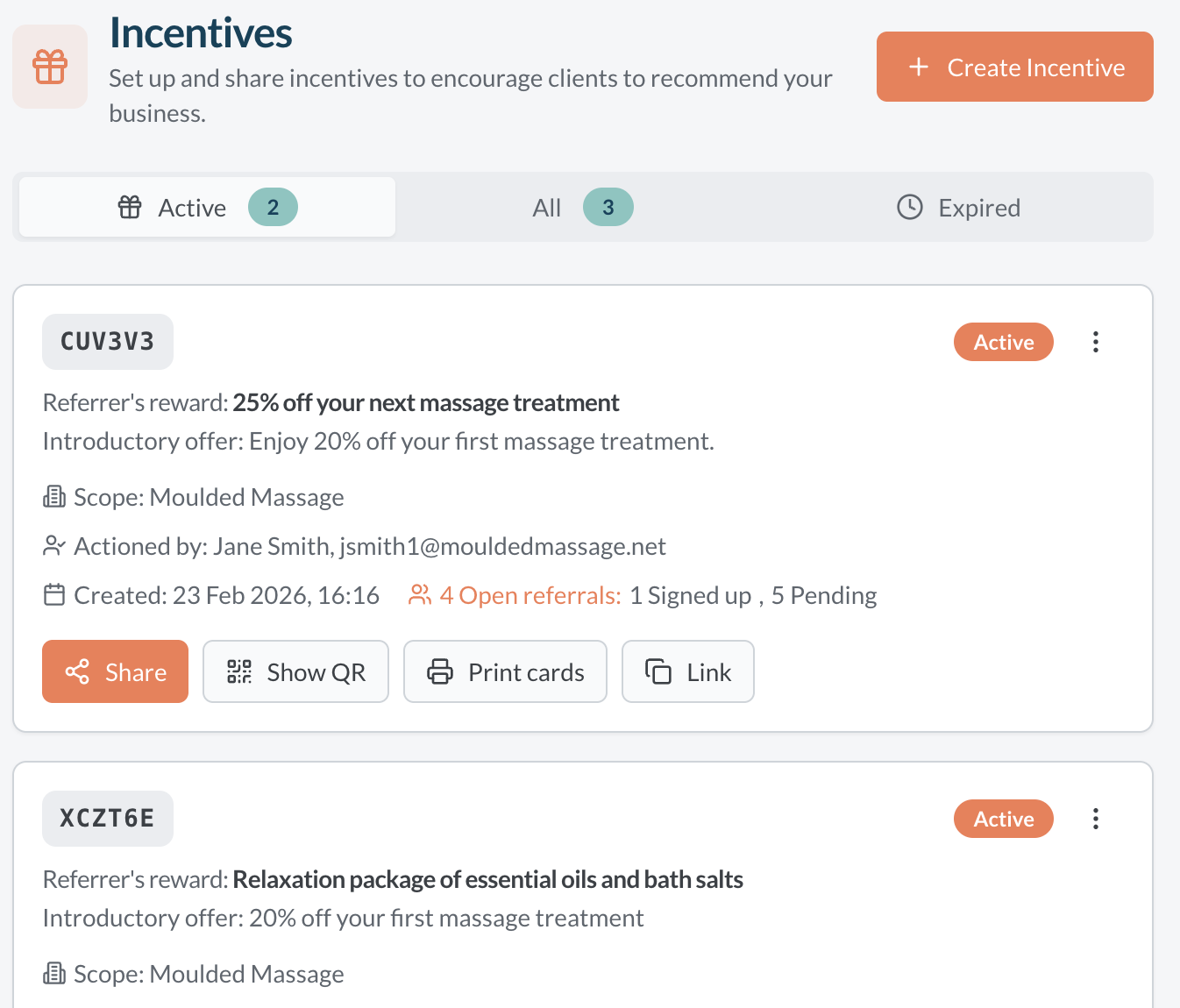
Set up your reward program in minutes. Reco uses your business description and any reward preferences to suggest incentives, write descriptions, and drafts terms and conditions. Choose from gifts, cash, service credits, discounts, charity donations, or custom rewards, or just go with AI's suggestion. Design incentives for referrals to your whole business, one location, or just one team member. Set limits of usage if required. Set up as many as you need and to give your clients choice of a reward that they value.
Tell Your Customers
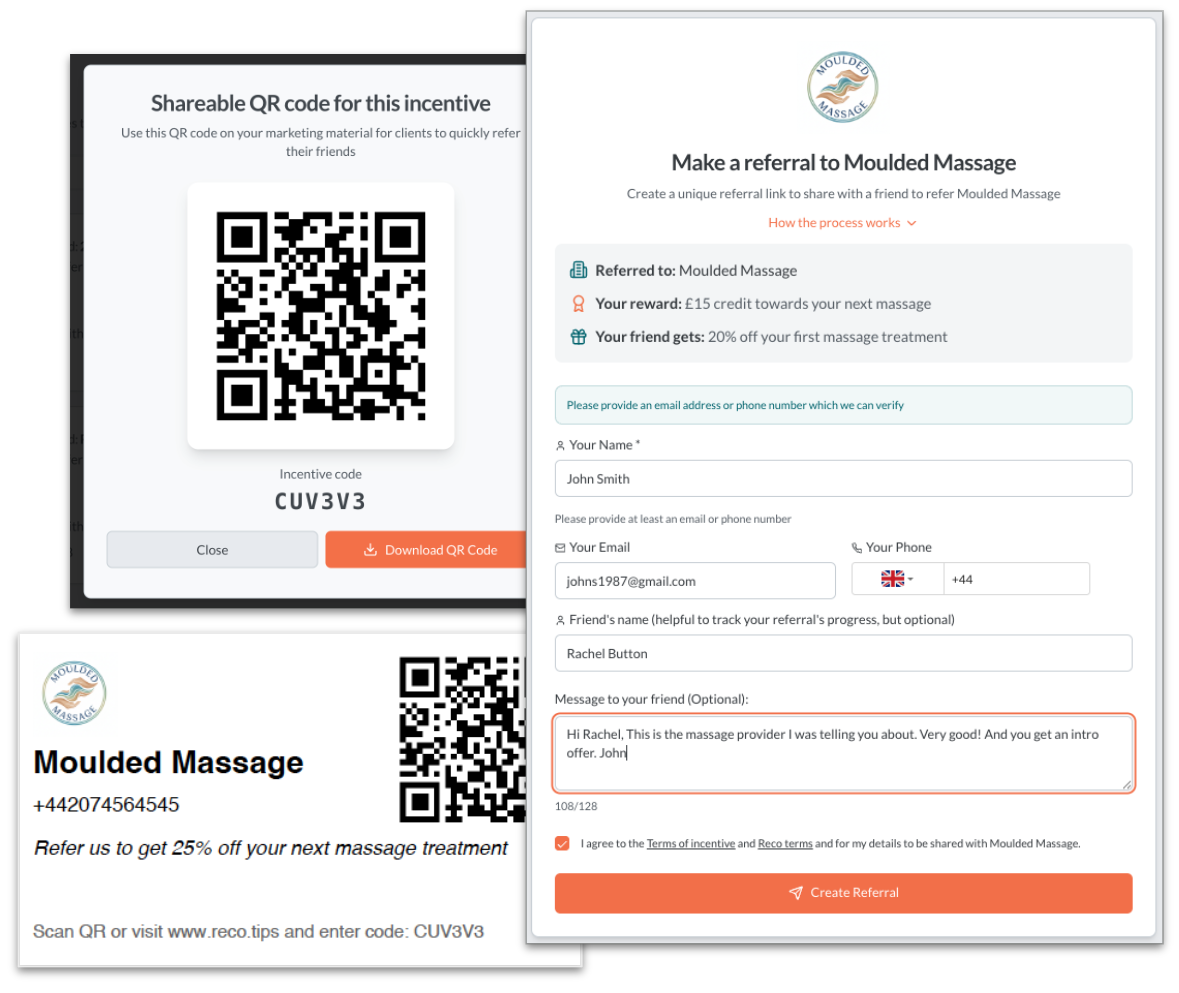
Your happy customers already want to recommend you, so just give them an easy way to do it. To make a referral in seconds, customers can scan a referral card, share a QR code from their Reco wallet right in front of their friend, or click a link from your existing marketing. A unique referral code is created for every share.
How a Referral Works
Reco gives your clients a fast and easy to share your business with their friends.
Your Client Creates and Shares a Referral Code
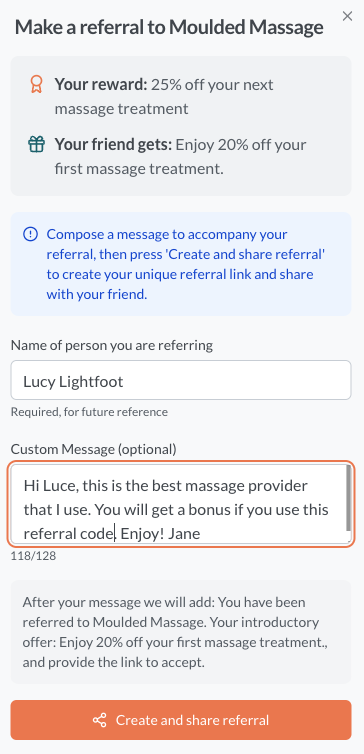
Your happy client uses your incentive to create a unique referral code in seconds. This is shared with friends by text, email, QR code, or social media, using the app or web, with or without a Reco account.
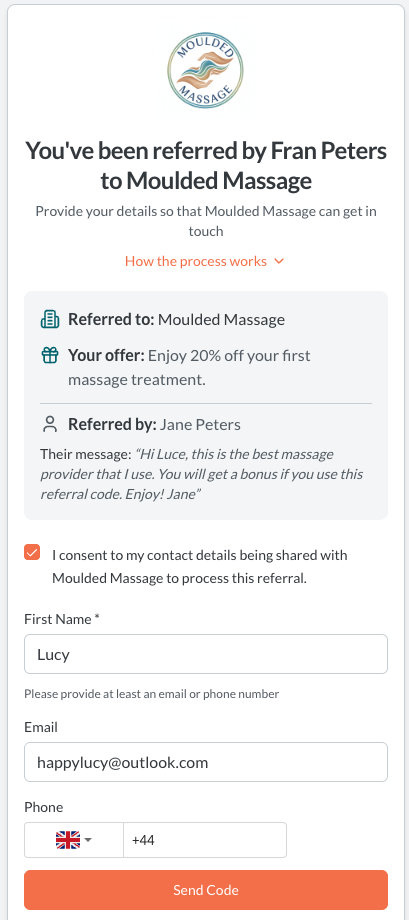
You see every referral as soon as the referring client confirms their details (automatic if they have a Reco account). You only see the referred person's details when they accept the referral and verify their details.
Verifying Details to Activate the Referral
Once the referred person accepts the referral and both people verify their details, the referral becomes active, and you can see the referred person's email and/or phone. Only at this point is the referral fee of £2.00 deducted from your balance. Real referrals in your inbox!
Win the Customer, Reward the Client
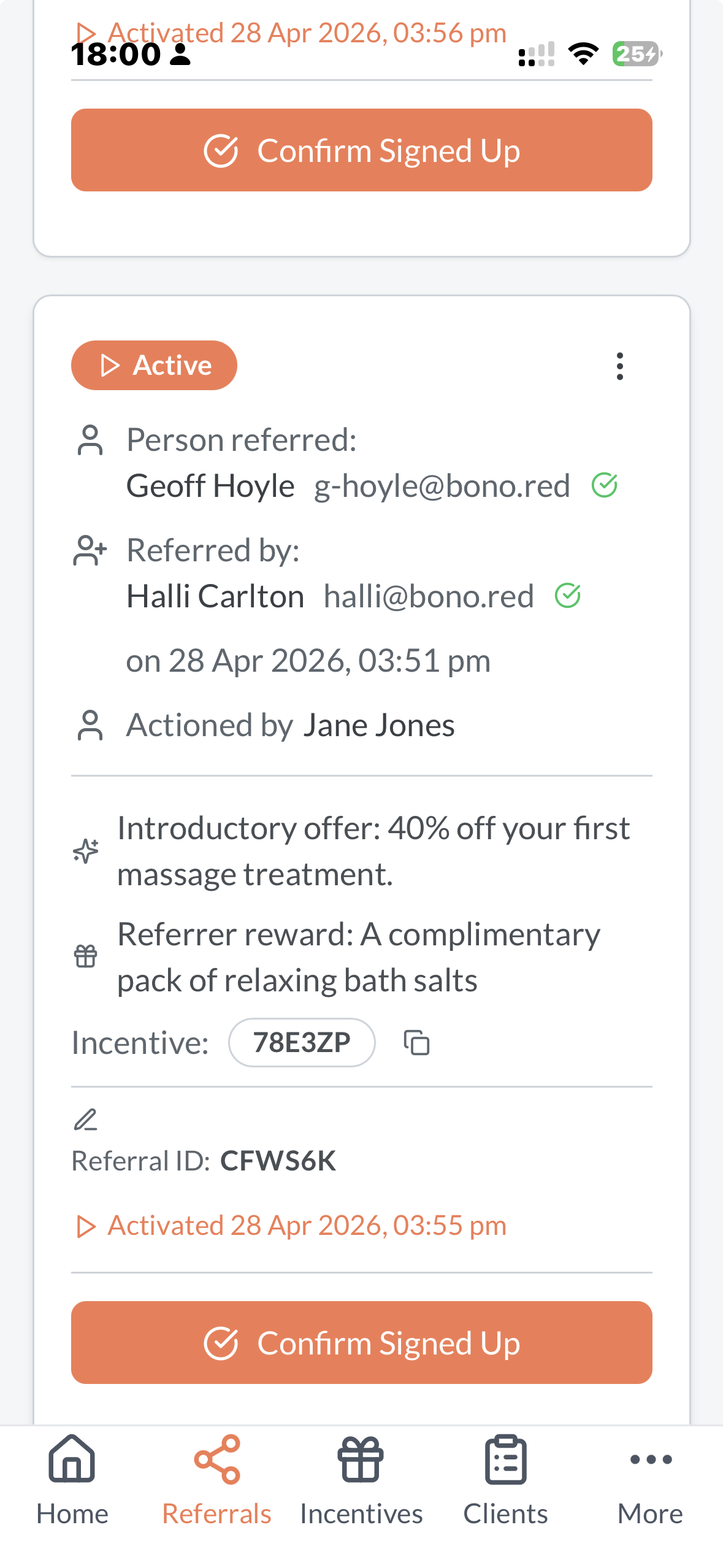
With the contact details in hand, you can then get in touch and try to win the new business... but why shouldn't you, they were referred by their friend!
Keep notes on the referral as you progress the lead. Confirm the new customer as signed up, and then mark the referral as "Rewarded", once you have given your kind client their just rewards. All from the app!
Unlimited Recommendations With No Reward Expected
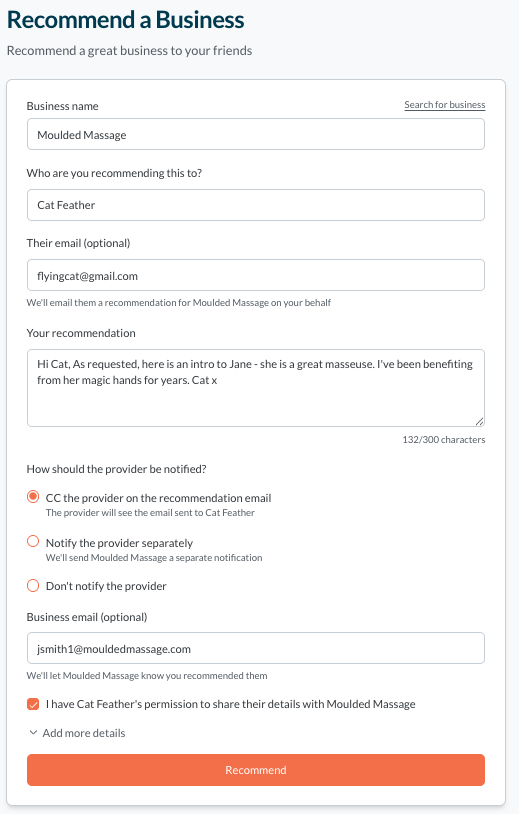
Anyone with a Reco account can quickly and easily recommend your business without expectations of a reward. These are added to your public recommendation page to prove your reputation. If they choose to share, you can see who recommended you and who they recommended you to. Manage the recommendation from introduction to win, using notes and status updates.
Ready to Start?
Start creating and rewarding the word-of-mouth referrals that grow your business at a much lower cost than traditional marketing!